

Featured snippets are a useful way to make your website content easier to find on Google. They show a short answer near the top of some search results and help users find information without searching through several pages.
If you want to improve your website visibility, learning how to optimize content for featured snippets is a good step. You do not need complicated SEO techniques to get started. You need helpful content, clear answers, relevant keywords, and a well-organized page.
In this guide, you will learn what featured snippets are, how they work, and how to optimize your blog posts to improve your chances of appearing in them.
What Are Featured Snippets in Google?
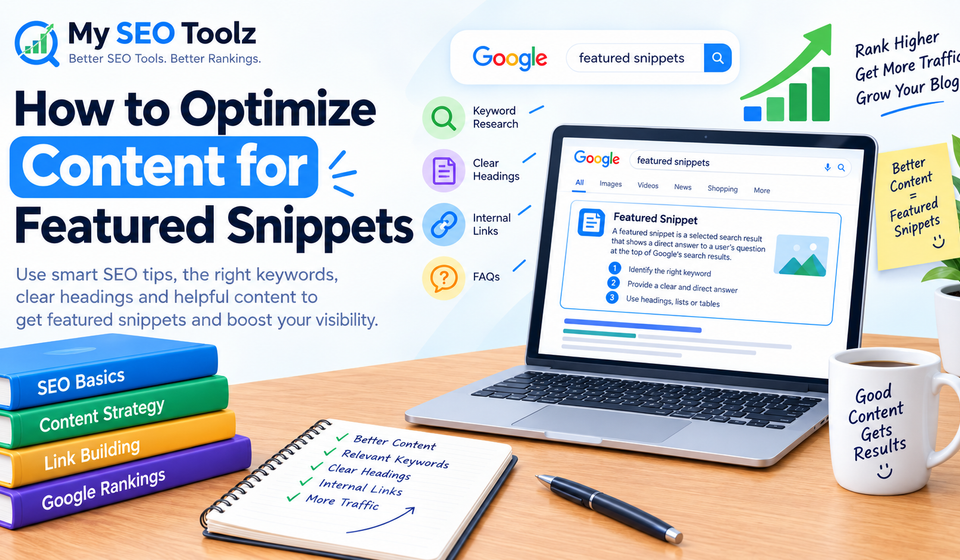
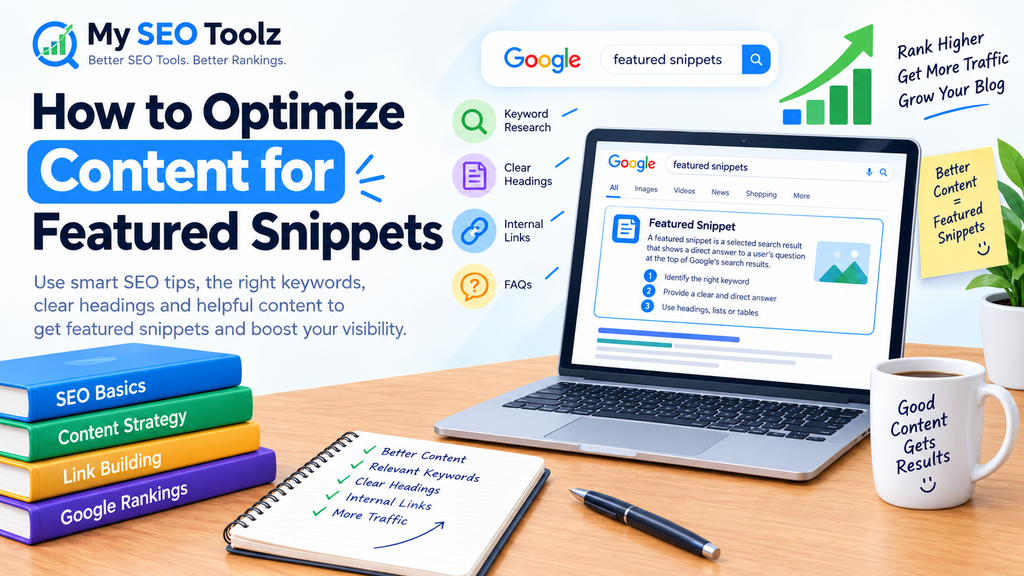
Featured snippets are selected search results that display a direct answer to a user’s question. Google may show a short paragraph, a list, a table, or another useful format depending on the search query.
For example, when someone searches for “how to improve website loading speed,” Google may display a short explanation or a list of steps from a relevant webpage.
Featured snippets can help users find answers quickly and discover useful websites.
However, there is no guaranteed method to win a featured snippet. Google decides which content to display based on its systems and the usefulness of the information.
Why Are Featured Snippets Important for SEO?
Featured snippets can help your content become more visible in search results. They are especially useful for websites that publish educational articles, tutorials, guides, and answers to common questions.
Here are some important benefits.
1. Improve Search Visibility
A featured snippet can make your content stand out from ordinary search results. When Google selects your page, users may notice your answer more easily.
2. Answer User Questions Quickly
People often search for quick answers rather than long explanations. Providing a clear answer near the beginning of a section helps readers understand your content.
3. Support Organic Traffic Growth
A useful snippet may attract visitors who want to learn more about the topic. However, a snippet does not guarantee more clicks because some users get their answers directly from the search results.
4. Build Trust With Helpful Content
Accurate explanations, practical examples, and easy-to-follow instructions can make your website more useful to readers.
How to Optimize Content for Featured Snippets
If you want your content to have a better chance of appearing in featured snippets, follow these practical steps.
1. Find Keywords That Trigger Featured Snippets
Start with keyword research. Your goal is to discover what people are searching for and the type of answer they expect.
Focus on question-based and informational keywords such as:
- What is on-page SEO?
- How to optimize content for featured snippets
- How to improve website rankings
- What is keyword research?
- How to write SEO-friendly blog posts
- How to increase organic traffic
- What are long-tail keywords?
These keywords help you understand the questions your article should answer.
You can use Google search suggestions, related searches, and keyword research tools to find more ideas.
For more guidance, read our published guide, How to Find the Right Keywords for Your Website.
Choose keywords that match your topic instead of adding every popular keyword to your article.
2. Answer the Main Question Clearly
One of the simplest ways to optimize for featured snippets is to provide a direct answer to the question.
For example:
What is featured snippet optimization?
Featured snippet optimization is the process of organizing website content to make it easy for search engines to identify and display a useful answer to a user’s query.
This answer is short, clear, and directly related to the question.
After giving the direct answer, explain the topic in more detail. This approach helps readers who want a quick explanation as well as those who need more information.
Avoid starting every section with a long introduction. Give readers the important information first.
3. Use Clear Headings and Subheadings
Headings help readers understand how your content is organized. They also make it easier to identify which section answers a particular question.
Use one main H1 heading for your article title. Organize the main sections with H2 headings and use H3 headings for related subsections.
For example:
- What Are Featured Snippets?
- How Do Featured Snippets Work?
- How to Optimize Content for Featured Snippets
- Which Content Formats Work Best?
- What Mistakes Should You Avoid?
Write headings that describe the information beneath them. Avoid using vague headings that do not explain what the section covers.
Clear headings improve readability, although headings alone do not guarantee a featured snippet.
4. Keep Important Answers Short and Useful
When answering a specific question, begin with a concise explanation before adding supporting details.
For example:
How can you improve on-page SEO?
You can improve on-page SEO by writing helpful content, using relevant keywords naturally, creating descriptive headings, optimizing title tags, adding useful internal links, and improving page readability.
This answer gives readers a quick overview. You can then explain each technique in separate sections.
Do not make every answer artificially short. Some topics need more detail to be accurate and useful. The goal is to answer the question clearly without unnecessary words.
5. Use Lists for Step-by-Step Instructions
Google may display numbered or bulleted lists when they provide a useful answer to a search query.
Lists are especially helpful for tutorials, checklists, processes, and practical tips.
For example, a section about optimizing a blog post might include these steps:
- Research the main keyword.
- Understand the search intent.
- Write a clear introduction.
- Organize the article with descriptive headings.
- Answer common questions.
- Add relevant internal links.
- Review the content for accuracy.
- Update the article when necessary.
Use a logical order and keep each step easy to understand.
Lists should help readers complete a task. Do not add unnecessary items just to make your article longer.
6. Add Tables When They Make Information Easier to Compare
Tables can be useful when readers need to compare features, methods, definitions, or options.
For example:
| Content format | Best use |
|---|---|
| Paragraph | Definitions and short explanations |
| Numbered list | Step-by-step instructions |
| Bullet list | Tips and key points |
| Table | Comparisons and structured information |
Use a table when it genuinely improves understanding. A table is not required for every article, and using one does not automatically earn a featured snippet.
7. Understand Search Intent
Search intent means the reason behind a search.
Someone searching for “what is keyword research” probably wants a definition and a beginner-friendly explanation. Someone searching for “best keyword research tools” is more likely to want a comparison of tools.
Your content should match that purpose.
Before writing an article, search for your target keyword and examine the types of results Google displays. Notice whether the results favor definitions, lists, tutorials, tables, or detailed guides.
Use this information to plan your content, but do not copy another website’s wording.
8. Optimize Your Content for Long-Tail Keywords
Long-tail keywords are more specific search phrases. They can help you target particular questions and needs.
For example:
- Featured snippets
- How to optimize content for featured snippets
- How to structure blog posts for featured snippets
- How to write answers for Google’s featured snippets
The longer phrases provide more context about what a user wants to know.
Use related keywords naturally in your headings, paragraphs, and FAQs when they fit the subject. Avoid repeating the same phrase excessively.
You can also read our published guide, How to Find Low-Competition Keywords for a New Website, to learn more about finding relevant keyword opportunities.
9. Improve Your On-Page SEO
Good on-page SEO helps users and search engines understand your content.
Review the following elements before publishing:
- SEO title: Write a descriptive title that reflects the main topic.
- Meta description: Summarize the page accurately and encourage interested users to visit.
- URL slug: Keep the URL short, descriptive, and relevant.
- Main heading: Clearly explain what the article covers.
- Internal links: Connect readers to relevant pages on your website.
- Images: Use appropriate images with descriptive alt text.
- Content quality: Make sure the article answers the reader’s question accurately.
These improvements can support the overall quality of your page, but none guarantees a featured snippet.
For additional advice, read our published article, How to Write SEO-Friendly Blog Posts That Rank on Google.
10. Add a Helpful FAQ Section
Frequently asked questions can help you address related questions that readers may have after reading the main article.
Choose questions that are directly connected to the topic. Answer each one in simple language and avoid repeating the same information in every answer.
For this article, useful questions include:
- What are featured snippets?
- How do you optimize content for featured snippets?
- Do featured snippets increase website traffic?
- Can a new website appear in a featured snippet?
An FAQ section can improve the usefulness and coverage of your article. However, adding FAQs does not guarantee a featured snippet or a special FAQ display in Google.
11. Keep Your Content Accurate and Updated
Search engines aim to provide useful and relevant results. Review older articles to make sure their facts, examples, and recommendations remain accurate.
Update information when it becomes outdated, remove broken links, and improve sections that do not answer the reader’s question clearly.
Do not change publication dates simply to make an article appear fresh. Make meaningful improvements when needed.
12. Monitor Your Results in Google Search Console
Google Search Console can help you understand how your pages perform in Google Search.
You can review search queries, impressions, clicks, click-through rates, and average positions. Use this information to identify pages that receive impressions for question-based keywords.
Look for queries where your page already performs well and check whether the content answers the question directly.
You can then improve the relevant section, add useful explanations, and make the page easier to navigate.
Remember that Search Console does not guarantee or provide a simple switch for obtaining a featured snippet. It helps you evaluate search performance and identify opportunities.
Common Featured Snippet Optimization Mistakes to Avoid
Even well-written articles can miss opportunities when their content is difficult to understand or does not match the search query.
Avoid these common mistakes:
Keyword stuffing: Repeating a keyword unnaturally makes content harder to read. Use the main keyword and related phrases where they fit naturally.
Long introductions before the answer: Readers should not have to search through several paragraphs to find a simple definition.
Unclear headings: Headings should explain the question or subject covered in each section.
Thin content: Short answers can be useful, but the overall article should provide enough detail to solve the reader’s problem.
Copying competing pages: Write original explanations and include your own examples, insights, and practical advice.
Ignoring mobile users: Make sure the article is easy to read on smaller screens, with readable text and a sensible layout.
Expecting guaranteed results: Featured snippets are selected by Google. Even optimized content may not be selected, and search result displays can change.
How Long Does It Take to Get a Featured Snippet?
There is no fixed time frame for earning a featured snippet. A page might appear in a featured snippet after Google discovers and evaluates it, or it might never be selected.
Results depend on factors such as relevance, content quality, competition, and Google’s search systems.
For a new website, focus first on publishing helpful articles, targeting relevant keywords, improving technical SEO, and building a clear internal linking structure.
Track your progress through Google Search Console and continue improving content based on actual performance rather than expecting immediate results.
Conclusion
Optimizing content for featured snippets starts with understanding what users want to know and answering their questions clearly. Use relevant keywords, descriptive headings, concise explanations, helpful lists, and tables where appropriate.
You should also match search intent, strengthen on-page SEO, add relevant internal links, and monitor your results with Google Search Console.
No technique can guarantee a featured snippet, but useful, well-organized content gives readers a better experience and can help search engines understand your page.
For My SEO Toolz, focus on publishing practical SEO guides that answer real questions in simple language. Consistent quality and meaningful updates are more valuable than trying to force a particular search result.
Frequently Asked Questions (FAQs)
1. What is a featured snippet in SEO?
A featured snippet is a selected result that Google may display prominently in search results to answer a user’s question. It can appear as a paragraph, list, table, or another format.
2. How do I optimize content for featured snippets?
Answer the main question clearly, use descriptive headings, organize information into readable sections, and use lists or tables when they suit the topic. Also, make sure the content is accurate and relevant to search intent.
3. Do featured snippets improve website traffic?
They can increase visibility and may attract more visitors. However, they do not always increase clicks because some users find the answer directly in the search results.
4. Which keywords are best for featured snippets?
Question-based and informational keywords can be useful, including phrases that begin with “what,” “how,” “why,” and “which.” The best keywords depend on your audience and topic.
5. Can a new website get a featured snippet?
Yes, a new website can potentially earn a featured snippet. There is no guarantee, so focus on helpful content, relevant keywords, clear answers, and a technically accessible website.
6. Does schema markup guarantee a featured snippet?
No. Structured data can help search engines understand certain types of content, but it does not guarantee a featured snippet. Clear content and relevant answers remain important.
7. How can I track featured snippet opportunities?
Use Google Search Console to review the queries and pages receiving impressions. Identify relevant questions, inspect your current content, and improve sections that could provide a clearer answer.
8. Are FAQs necessary for featured snippets?
No. FAQs are optional. Add them when they help answer genuine questions related to your topic, not simply to increase article length.