

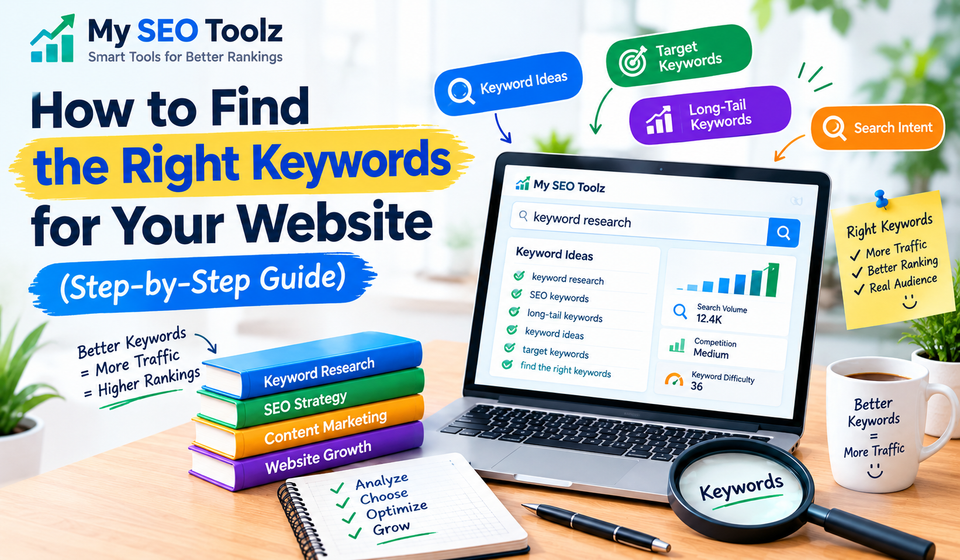

Quick answer: To find the right keywords, start with what your audience actually types into Google, build a list of topics, expand it with a keyword tool, check the search intent, and pick keywords that match your site’s size and goals. Then give each page one main keyword and review your results every month.
Keywords are the link between what people search for and the pages you publish. If you pick them well, the right visitors find you. If you pick them badly, even great content goes unseen. Here’s the simple process I’d follow.
What Is a Keyword?
A keyword is any word or phrase a person types into a search engine, like “best running shoes” or “how to fix a leaky tap.” Keyword research means finding out which phrases your audience really uses, so you can write content that matches them.
Step 1: Start With Your Audience, Not a Tool
Before you open any software, write down what you offer, who it’s for, and what problem it solves. Then think about how your customers describe that problem. Their words are often very different from industry terms. A plumber might say “pipe remediation,” but customers search “water leaking under sink.”
Good places to find real customer language:
- Customer emails and support questions
- Reviews of your product and your competitors’ products
- Reddit and Quora threads
- Comments on YouTube and social media
Step 2: Build a Seed List
Turn what you learned into 10 to 30 broad phrases. For an SEO website, that could be “keyword research,” “meta description,” “sitemap,” or “alt text.” These aren’t your final keywords. They’re the starting points you’ll feed into tools in the next step.
Step 3: Expand Your List With Keyword Tools
Put your seeds into a keyword tool to find related phrases, search volume, and difficulty.
Free options: Google Keyword Planner, Google Search Console, Google Autocomplete, “People also ask,” and “Related searches.”
Paid options: Ahrefs, Semrush, Moz, Mangools, and Ubersuggest.
Don’t skip Search Console. If a page already ranks on page two, or gets lots of impressions but few clicks, a small improvement can push it up fast. A good first fix is a better snippet. You can write one quickly with our Meta Description Generator, and if you have many pages, read our guide on rolling out unique meta descriptions at scale.
Step 4: Understand Search Intent
Search intent is the reason behind a search. The easiest way to find it is to Google your keyword and look at what ranks. There are four main types:
- Informational: the person wants to learn (for example, “how to choose a CRM”). Blog posts and guides work best.
- Commercial: the person is comparing options (for example, “best CRM for small business”). Reviews and comparisons work best.
- Transactional: the person is ready to act (for example, “buy CRM software”). Product and pricing pages work best.
- Navigational: the person is looking for a specific brand or site.
If the top ten results are all list articles and you have a product page, your page doesn’t match the intent. Optimizing won’t fix that, so create the right kind of page instead.
Step 5: Judge Each Keyword Fairly
Not every keyword deserves your time. Check four things:
- Relevance: does it fit what you really offer?
- Search volume: are enough people searching for it?
- Difficulty: can a site your size compete?
- Business value: will this traffic help you reach your goal?
Bigger isn’t always better. A keyword with 50 monthly searches and a buyer ready to act can be worth more than one with 5,000 searches and no buying interest.
Step 6: Start With Long-Tail Keywords
Long-tail keywords are longer, more specific phrases, like “best keyword research tool for small blogs.” Fewer people search for them, but there’s less competition and the intent is clearer. A new site can often rank for these much sooner than for broad terms like “keyword tool.” As your site grows in authority, you can aim higher.
Step 7: Learn From Your Competitors
Your competitors have already tested a lot of topics. Enter their domains into Ahrefs or Semrush and see which keywords bring them traffic. Look for content gaps, which are keywords they rank for and you don’t cover yet. Their most popular pages also show you what your shared audience cares about.
Step 8: Give Each Page One Main Keyword
Once you have a short list, assign keywords to pages:
- Give each page one primary keyword plus a few close variations.
- Don’t target the same keyword on two pages. They end up competing with each other, which is called keyword cannibalization.
- Group related topics into a topic cluster: one detailed main page, supported by smaller articles that link back to it.
Then place your main keyword naturally in the title, URL, first paragraph, one heading, and the meta description. For a full walkthrough, see our guide on how to write an SEO-friendly blog post and our beginner’s article on on-page SEO.
A few small tools help with the finishing touches:
- Use the Word Counter to check your article length.
- Use the Alt Text Generator so your images support the same topic.
- Use the Sitemap Generator so search engines can find your new pages.
Step 9: Track Results and Keep Improving
Keyword research is never really finished. Trends change, competitors publish new pages, and your own site grows. Check Search Console at least once a month. See which pages are gaining clicks, update the ones that are stuck, and use what you learn to pick your next topics. If you want a deeper walkthrough of this whole process, our post on keyword research goes into more detail.
Common Keyword Research Mistakes
- Chasing volume only. High traffic with the wrong intent won’t convert.
- Keyword stuffing. Repeating a phrase unnaturally hurts readability and rankings.
- Ignoring intent. The type of page matters as much as the keyword.
- Aiming too high too soon. A new site rarely beats big brands on broad terms.
- Never updating the list. Old research goes out of date.
Key Takeaways
- Start with your audience’s own words, not with a tool.
- Check search intent by looking at what already ranks.
- Choose keywords by relevance, difficulty, and business value, not volume alone.
- Begin with long-tail keywords, then move to harder ones as your site grows.
- Use one main keyword per page and review your results monthly.
Frequently Asked Questions
What is keyword research?
Keyword research is the process of finding the words and phrases people type into search engines, so you can create content that answers what they are looking for.
How many keywords should I target per page?
Aim for one primary keyword and a few closely related variations per page. Trying to rank one page for many unrelated topics usually weakens it.
What is a good keyword difficulty for a new website?
A new site usually does best with low-difficulty, long-tail keywords. Tools measure difficulty differently, so compare the pages that already rank and ask whether your content can realistically beat them.
Are free keyword tools good enough?
Yes, for beginners. Google Keyword Planner, Search Console, Autocomplete, and “People also ask” are enough to start. Paid tools add competitor data and better difficulty estimates.
What is search intent?
Search intent is the goal behind a search. It is usually informational, commercial, transactional, or navigational, and your page should match it.
What are long-tail keywords?
They are longer, more specific search phrases, like “best keyword research tool for small blogs.” They have lower competition and clearer intent than short, broad terms.
How often should I update my keyword research?
Review it at least once a month in Search Console, and do a bigger refresh every few months or when your goals change.
Does keyword research still matter with AI search?
Yes. AI answer tools still draw on clear, well-organized pages that answer real questions. The questions people ask are just another form of keywords, so research them the same way.
What is the difference between SEO, AEO, and GEO?
SEO helps your pages rank in search results. AEO (answer engine optimization) helps your pages be chosen as a direct answer, such as a featured snippet or voice answer. GEO (generative engine optimization) helps AI tools like chatbots understand and mention your content.

[…] Learn more in our guide to finding the right keywords for your website. […]
[…] For more guidance, read our published guide, How to Find the Right Keywords for Your Website. […]