
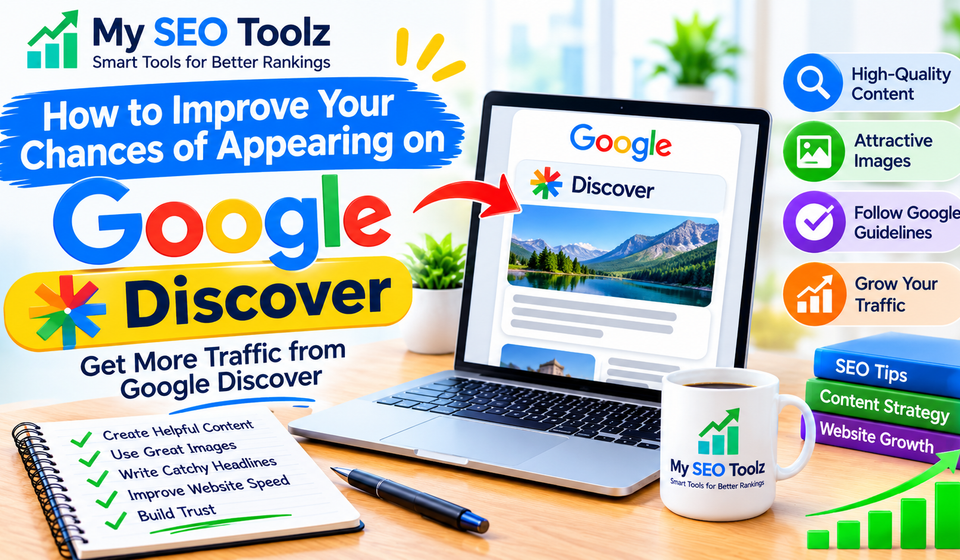

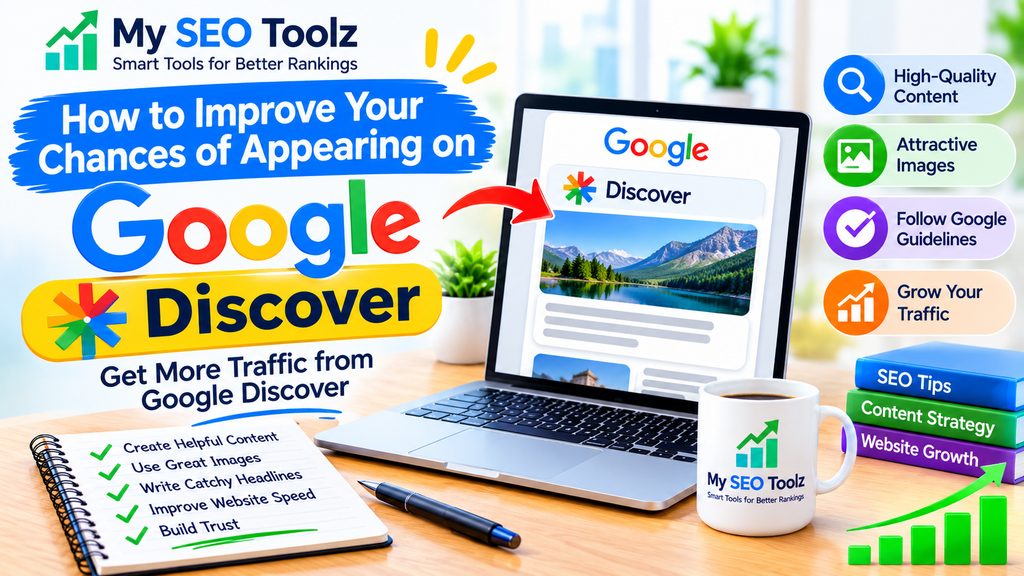
Google Discover is a great way to bring more visitors to your website without relying only on traditional Google Search results. It helps people discover articles, news, and other content based on their interests and browsing activity.
For website owners and bloggers, appearing on Google Discover can create an opportunity to reach a larger audience and increase organic traffic. However, getting featured is not guaranteed. Google automatically selects content that may be useful and interesting to individual users.
In this guide, you will learn how to improve your chances of appearing on Google Discover and attract more visitors to your website.
What Is Google Discover?
Google Discover is a personalized content feed that shows users articles, blog posts, videos, and other useful information based on their interests.
Unlike traditional Google Search, users do not need to type anything to find content. Google automatically recommends relevant content that people may want to read.
For example, if someone regularly reads articles about technology, blogging, or digital marketing, Google Discover may show them new content related to those topics.
This makes Discover a useful source of website traffic for bloggers, publishers, and online businesses.
Why Is Google Discover Important for Website Traffic?
Google Discover can help your website reach people who may not have searched for your content directly.
Here are some important benefits:
- More website visitors: Your articles can reach a wider audience.
- Increased content visibility: Your blog posts may appear in front of interested readers.
- More organic traffic: Discover can bring visitors without requiring paid advertising.
- Better brand awareness: More people can become familiar with your website.
- New audience opportunities: Your content can reach readers who have not visited your website before.
However, Discover traffic can change over time, so it should not be your only source of visitors.
10 Ways to Improve Your Chances of Appearing on Google Discover
1. Publish High-Quality and Helpful Content
The first step is to create useful content that answers readers’ questions and provides real value.
Google wants to recommend content that people find interesting, reliable, and helpful.
Before publishing an article, make sure it:
- Answers the main topic clearly.
- Provides accurate and useful information.
- Includes practical examples where helpful.
- Uses simple and natural language.
- Avoids unnecessary information and repetition.
For example, instead of writing a general article about website traffic, create a detailed guide explaining practical ways to attract more visitors.
Helpful content gives readers a reason to spend time on your website.
2. Use Attractive and High-Quality Images
Images play an important role in making your articles stand out in Google Discover.
A clear and attractive featured image can encourage people to notice your content when it appears in their feed.
Follow these image recommendations:
- Use relevant images that match your article.
- Choose high-quality and original visuals.
- Avoid blurry or low-resolution images.
- Use images that are at least 1200 pixels wide.
- Keep the main subject clear and easy to understand.
Google recommends large images with a width of at least 1200 pixels for Discover previews.
Also, enable the max-image-preview:large setting on your website so Google can display larger image previews.
3. Write Interesting and Clear Headlines
Your article title is one of the first things readers notice.
A good headline should explain what the article offers while creating enough interest for people to click.
For example:
- Weak Title: Website Traffic Tips
- Better Title: 10 Simple Ways to Increase Website Traffic
Keep your headlines natural, clear, and relevant to the article.
Avoid misleading titles, exaggerated promises, or clickbait because they can reduce reader trust.
4. Focus on Topics Your Audience Enjoys
Understanding your audience can help you create content that people are interested in reading.
Think about the topics your visitors regularly search for and the information they want to learn.
You can discover new content ideas by:
- Checking popular questions on Google.
- Researching trending topics in your industry.
- Reviewing your most popular blog posts.
- Studying competitors’ content.
- Looking for topics related to your existing articles.
For example, if your website covers website growth, you can publish articles about keyword research, website traffic, content creation, and website optimization.
Choose topics that match your website’s main subject.
5. Publish Fresh and Relevant Content
Fresh content can help your website stay useful and relevant.
Try to publish new articles regularly instead of uploading many posts at once and then stopping for several months.
You should also review older articles when information becomes outdated.
When updating existing content:
- Add new and accurate information.
- Replace outdated examples.
- Fix broken links.
- Improve unclear sections.
- Update images when necessary.
Remember, updating an article only to change its publication date does not make it more valuable. Focus on meaningful improvements.
6. Build Trust and Show Your Experience
Readers are more likely to trust websites that provide reliable information.
Google also considers content quality and trust as important parts of its overall systems.
You can improve your website’s credibility by:
- Providing accurate information.
- Adding an About Us page.
- Creating a clear Contact Us page.
- Publishing useful author information.
- Linking to trustworthy sources when appropriate.
- Keeping website information updated.
If you share advice or recommendations, make sure they are based on reliable information or real experience.
Building trust takes time, but it can help your website develop a stronger reputation.
7. Make Your Website Mobile-Friendly
Many people use mobile devices to read articles and browse content.
If your website is difficult to use on a phone, visitors may leave before reading your content.
Make sure your website:
- Adjusts properly to different screen sizes.
- Uses readable font sizes.
- Has easy-to-use navigation.
- Avoids unnecessary pop-ups.
- Loads images correctly.
- Provides a comfortable reading experience.
A mobile-friendly website makes it easier for visitors to explore your content.
8. Improve Your Website Loading Speed
Website performance is important for providing a good user experience.
Slow-loading pages can frustrate visitors, especially when they are browsing on mobile devices.
Here are some simple ways to improve loading speed:
- Compress large images.
- Use a reliable hosting provider.
- Remove unnecessary plugins.
- Enable browser caching.
- Use a lightweight WordPress theme.
- Reduce unnecessary scripts.
You can test your website using Google PageSpeed Insights to identify performance problems.
A faster website helps visitors access your content more comfortably.
9. Follow Google Discover Content Policies
Your website must follow Google’s Discover content policies to be eligible for recommendations.
Avoid publishing content that includes misleading information, deceptive practices, or prohibited material.
You should also avoid:
- Misleading headlines.
- Sensational or exaggerated claims.
- Content designed only to attract clicks.
- Unclear or deceptive information.
- Low-quality copied content.
Focus on creating original, useful, and trustworthy articles that readers can benefit from.
10. Monitor Your Discover Performance
If your website receives enough Discover traffic, you can monitor its performance through Google Search Console.
The Discover performance report can show useful information, including:
- Total clicks from Discover.
- Total impressions.
- Average click-through rate (CTR).
- Individual pages receiving Discover traffic.
Use this information to understand which topics and articles are performing well.
If certain articles receive more attention, consider creating related content that provides additional value to readers.
Remember that the Discover report only appears when your website meets Google’s reporting requirements and has sufficient Discover activity.
Common Mistakes That Can Reduce Your Chances of Appearing on Google Discover
Many website owners make mistakes that can affect their content quality and reader experience.
Here are some common problems to avoid:
| Mistake | What to Do Instead |
|---|---|
| Using misleading headlines | Write clear and accurate titles |
| Publishing copied content | Create original articles |
| Using poor-quality images | Add relevant, high-resolution images |
| Ignoring mobile users | Use a responsive website design |
| Publishing unrelated topics | Stay focused on your website’s niche |
| Ignoring content updates | Keep important information fresh |
| Writing only for clicks | Focus on reader value |
Avoiding these mistakes can help you build a better website and create content that people want to read.
How Long Does It Take to Appear on Google Discover?
There is no fixed time for appearing on Google Discover.
Some websites may receive Discover traffic shortly after publishing content, while others may take much longer or never receive it.
Google automatically selects content based on different factors, including user interests, content relevance, and quality.
You cannot submit an article directly to Google Discover or guarantee that it will appear there.
The best approach is to publish useful content consistently, improve your website experience, and follow Google’s guidelines.
Final Thoughts
Google Discover can be a valuable opportunity for websites that want to reach new readers and increase organic traffic.
To improve your chances of appearing on Discover, focus on helpful content, attractive images, clear headlines, mobile-friendly design, and website performance.
There is no guaranteed method to get featured, but following these practices can help you build a website that provides a better experience for readers.
Keep improving your content, understand your audience, and focus on quality rather than simply trying to get clicks.
Frequently Asked Questions (FAQs)
1. What is Google Discover used for?
Google Discover recommends articles, videos, and other content based on users’ interests. It allows people to find relevant information without searching manually.
2. How can I get my website on Google Discover?
Publish original and helpful content, use high-quality images, write clear headlines, and follow Google’s content policies. However, appearing on Discover is not guaranteed.
3. Does Google Discover help increase website traffic?
Yes. Google Discover can bring additional organic visitors by recommending your content to people who may be interested in your topics.
4. Do I need to submit my website to Google Discover?
No. There is no separate submission process for Google Discover. Eligible content can be automatically considered by Google’s systems.
5. What image size is best for Google Discover?
Google recommends images that are at least 1200 pixels wide. You should also enable the max-image-preview:large setting.
6. Can new websites appear on Google Discover?
Yes. New websites can be eligible, but there is no guarantee that their content will appear. Focus on creating useful and trustworthy content.
7. How can I check Google Discover traffic?
You can check Discover clicks, impressions, and CTR through the Discover performance report in Google Search Console, when your website qualifies for the report.