
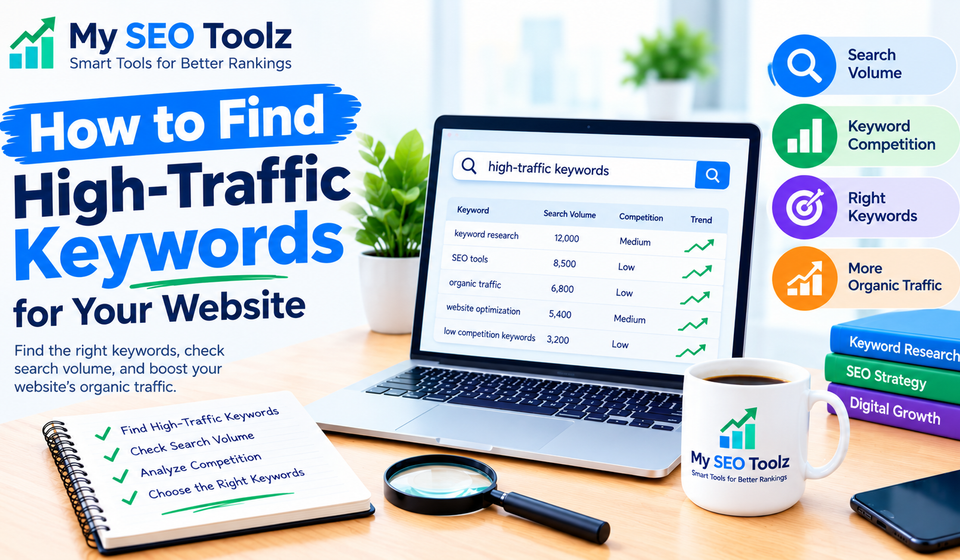

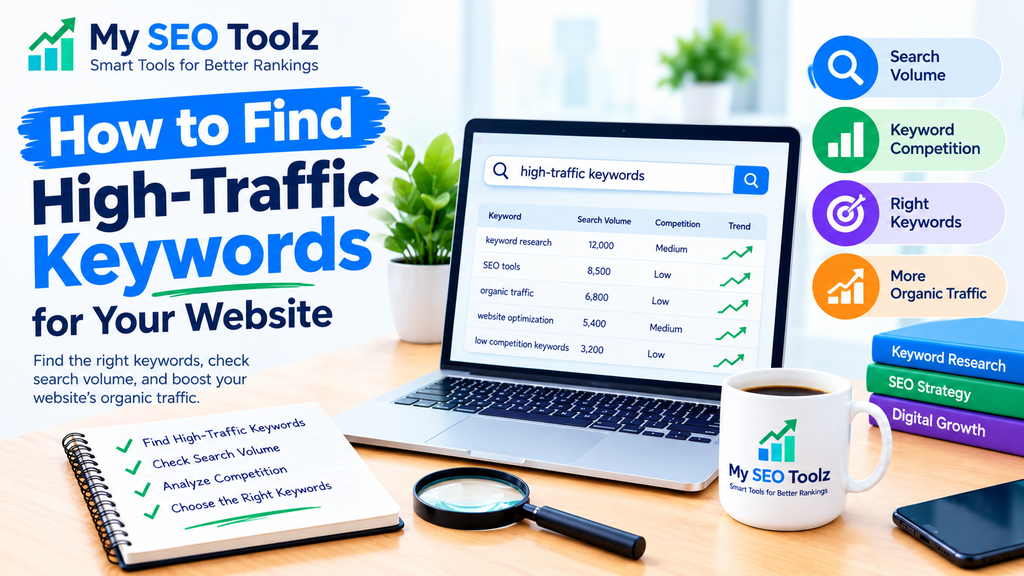
Finding the right keywords is one of the most important steps in growing your website through organic search. You can publish helpful articles regularly, but if your content does not target the searches people actually make, it may be difficult to attract visitors from Google.
High-traffic keywords can help you reach a larger audience, understand what people are searching for, and create content that matches their needs. However, choosing keywords with high search volume alone is not enough. You also need to consider competition, search intent, and how closely each keyword relates to your website.
In this guide, you will learn how to find high-traffic keywords, use free keyword research tools, and select relevant search terms that can help increase your website’s organic traffic.
What Are High-Traffic Keywords?
High-traffic keywords are search terms that receive a relatively large number of searches over a particular period. People use these terms when looking for information, products, services, or solutions to their problems.
For example, someone might search for:
- Keyword research tools
- How to improve website traffic
- Website SEO checker
- Best free SEO tools
- How to find low-competition keywords
These searches can represent opportunities for websites that publish useful, relevant content.
However, a keyword with thousands of monthly searches may be difficult to rank for. A more specific keyword with fewer searches may bring visitors who are more interested in your content.
Why Are High-Traffic Keywords Important for SEO?
Keyword research helps you understand your audience and plan content around their interests.
1. Increase Organic Website Traffic
Targeting relevant keywords can help your pages appear when people search for related information. If your content meets their needs and performs well in search results, it may attract more organic visitors.
If you want to explore more ways to grow your audience, read our guide on How to Increase Organic Traffic Without Paid Ads. It covers practical approaches to improving your website’s visibility.
2. Discover New Content Ideas
Keyword research reveals questions and problems that people want answers to. You can use these insights to plan blog posts, tutorials, and useful SEO tools.
3. Understand Your Audience
Search terms can tell you whether people want to learn something, compare products, or find a particular tool. This information helps you create content that matches their expectations.
4. Find Opportunities With Less Competition
Not every valuable keyword needs a huge search volume. Specific, relevant phrases may offer more realistic opportunities for newer websites.
How to Find High-Traffic Keywords for Your Website
Step 1: Start With Your Main Topic
First, decide which subjects are most relevant to your website.
For My SEO Toolz, suitable topics include keyword research, website optimization, technical SEO, website performance, and free SEO tools.
Write down a few basic terms related to each topic. These are your seed keywords.
For example:
- Keyword research
- Website traffic
- SEO tools
- Keyword difficulty
- Website optimization
You can use these terms to discover more specific keywords.
Step 2: Use Google Search to Find Keyword Ideas
Google Search is a useful starting point for keyword research.
Enter a topic into Google and review the suggestions that appear as you type. You can also check the related questions and searches shown on the results page.
For example, searching for “keyword research” may lead you to ideas about free tools, search volume, keyword difficulty, and finding low-competition keywords.
These suggestions can help you discover what people want to know.
Remember that Google suggestions are useful for generating ideas, but they do not provide exact monthly search volumes.
Step 3: Use Google Keyword Planner
Google Keyword Planner helps you research search terms and explore estimated search demand.
You can enter your seed keywords to discover related terms, review available search-volume estimates, and compare keyword ideas.
When evaluating a keyword, consider whether it matches your website’s topic and whether you can create a genuinely useful page for it.
Search-volume estimates may vary by location and other settings, so choose the market that matches your intended audience.
Step 4: Find Keyword Opportunities With Google Search Console
Google Search Console is especially valuable because it can show the search queries for which your website already receives impressions and clicks.
Open the Performance report and review the Queries section.
Look for keywords that receive impressions but have relatively few clicks. These may offer opportunities to improve your page title, meta description, or content.
You can also identify queries for which your pages appear in search results but could potentially become more relevant to the searcher’s needs.
For more guidance, read our article on How to Use Google Search Console to Improve SEO.
If your website is new, you may have limited data at first. Keep publishing helpful content and check the report regularly as data becomes available.
Step 5: Check Search Volume and Keyword Difficulty
Before selecting a keyword, review two important factors: search volume and competition.
Search volume estimates how frequently people search for a term. Keyword difficulty is a third-party estimate of how challenging it may be to rank for that term.
A keyword with high search volume can be attractive, but it may also have strong competition from established websites.
For a newer website, it can be more practical to target relevant keywords with manageable competition rather than focusing only on the most popular terms.
Do not treat keyword difficulty scores as guarantees. The quality of competing pages, your content, and your website’s relevance also matter.
Step 6: Understand Search Intent
Search intent means the reason behind a search.
For example:
- Informational: How to find keywords for SEO
- Commercial investigation: Best keyword research tools
- Transactional: Buy SEO software
- Navigational: Google Search Console login
Your article should match what the searcher expects to find.
If someone wants a step-by-step tutorial, a short promotional page may not satisfy their needs. Similarly, someone searching for an SEO checker may prefer a working tool rather than a long general article.
Matching search intent makes your content more useful to readers.
Step 7: Find Long-Tail Keywords
Long-tail keywords are specific search phrases that often contain several words.
Examples include:
- How to find low-competition keywords for a new website
- Best free keyword research tools for beginners
- How to increase organic traffic without paid ads
- How to check keyword rankings for a website
Some long-tail phrases have lower search volume, but they can be easier to target and may match a specific audience need.
Do not assume every long-tail keyword has low competition. Check the actual search results before deciding which terms to target.
Step 8: Analyze the Google Search Results
Search your chosen keyword and review the pages that already rank.
Ask yourself:
- Are the results mainly tutorials, tools, or product pages?
- Are the top-ranking articles answering the question clearly?
- Are there important subtopics that competing pages overlook?
- Can you provide more practical examples or clearer instructions?
- Does the keyword fit your website’s expertise?
Your goal should not be to copy competing articles. Instead, identify what searchers need and create an original page that meets that need effectively.
Step 9: Choose One Primary Keyword for Each Article
Every article should have a clear main topic.
Choose one primary keyword and a group of closely related terms that naturally support it.
For example, an article targeting “high-traffic keywords” could also discuss search volume, keyword research tools, keyword competition, and organic traffic.
Use your focus keyphrase naturally in the title, introduction, relevant headings, and meta description where appropriate.
Avoid repeating the same phrase unnecessarily. Search engines can understand related terms and the overall topic of a page.
Step 10: Create Helpful Content and Monitor Results
Once you have selected a keyword, write an article that answers the searcher’s question completely.
Use clear headings, practical examples, relevant internal links, and an easy-to-follow structure.
Your article titles also matter because they help readers understand what a page offers. Read How to Write Meta Titles That Attract More Clicks for tips on writing clear, relevant titles.
After publishing, monitor impressions, clicks, click-through rate, and average search position in Google Search Console.
If a page receives impressions but few clicks, review whether its title and description accurately explain the value of the content. If it receives very few impressions, check its indexing status, relevance, and overall content quality.
SEO takes time, so review performance over a meaningful period rather than expecting immediate results.
Best Free Keyword Research Tools
Several tools can help you discover keyword ideas and understand search demand.
Google Keyword Planner
Useful for discovering keyword ideas and reviewing estimated search volumes.
Google Search Console
Useful for understanding which queries already bring impressions and clicks to your website.
Google Trends
Useful for comparing interest in different search terms and identifying seasonal patterns.
Google Search Suggestions
Useful for generating topic ideas based on searches people commonly enter.
Third-Party Keyword Research Tools
Third-party keyword research tools can provide estimates of search volume, keyword difficulty, related keywords, and competing pages. The availability of free features varies by provider.
Use more than one source when practical, because keyword metrics are estimates rather than exact measurements of every search.
How to Use Keywords to Increase Organic Traffic
Finding keywords is only the first step. You also need to use them effectively in your content.
Start by creating helpful articles around topics relevant to your audience. Use descriptive titles, organize content with clear headings, and answer the questions readers are likely to have.
You should also connect related articles through internal links. For example, a keyword research guide can link to relevant content about organic traffic, meta titles, and Google Search Console.
Internal links help visitors discover related information and help search engines find pages across your website. For more guidance, read How to Build an Effective Internal Linking Strategy.
Website performance is another part of the overall user experience. Make sure your pages load efficiently and work well on mobile devices. Our guide on How to Improve Website Loading Speed explains practical ways to improve page performance.
Common Keyword Research Mistakes to Avoid
Choosing Keywords Only for High Search Volume
A popular keyword may have strong competition or may not match your website. Consider relevance, search intent, and ranking difficulty before selecting it.
Ignoring Search Intent
If your page does not answer the question behind a search, it may fail to satisfy visitors even if it includes the target keyword.
Using the Same Keyword for Every Article
Give each article a clear purpose. Publishing several pages that target the same search intent can create unnecessary overlap.
Stuffing Keywords Into Content
Repeating keywords unnaturally can make articles difficult to read. Use related phrases naturally and focus on providing useful information.
Forgetting to Update Existing Content
Sometimes improving an existing article is more useful than publishing another article on a similar topic. Review performance data and update content when it needs better examples, clearer explanations, or more relevant information.
Final Thoughts
Finding high-traffic keywords requires more than checking search volume. You need to understand your audience, analyze competition, match search intent, and choose terms that fit your website.
For a growing website such as My SEO Toolz, a balanced strategy is to combine broader SEO topics with specific long-tail keywords and practical guides. Use Google Keyword Planner to explore ideas, Google Search Console to understand existing performance, and Google Search to review what users expect to find.
Focus on creating useful content that answers real questions. Connect related articles with relevant internal links and monitor your results over time. This approach can help you build stronger topical coverage and improve your opportunities to attract relevant organic traffic.
Frequently Asked Questions
How do I find high-traffic keywords for free?
You can start with Google Keyword Planner, Google Search Console, Google Trends, and Google Search suggestions. These resources help you discover keyword ideas and understand search demand without necessarily paying for a keyword research subscription.
What is a good search volume for a keyword?
There is no single ideal search volume. The right target depends on your niche, competition, audience, and website authority. A specific keyword with modest search volume can be more valuable than a broad, highly competitive term.
Are high-traffic keywords easy to rank for?
Not always. High-traffic keywords often attract strong competition. Review the search results, assess keyword difficulty, and consider more specific phrases that match your website’s content.
Can long-tail keywords increase organic traffic?
Yes. Relevant long-tail keywords can help your pages reach people looking for specific answers. Their traffic potential varies, and results depend on competition, content quality, and search demand.
How often should I do keyword research?
Review keyword opportunities regularly, especially when planning new content or updating existing pages. Checking Search Console performance monthly can help you discover new queries and identify pages that need improvement.
How long does it take to get traffic from a new article?
There is no fixed timeline. Search visibility depends on factors such as indexing, competition, relevance, content quality, and your website’s overall standing. Continue monitoring performance and improving your content as useful data becomes available.