
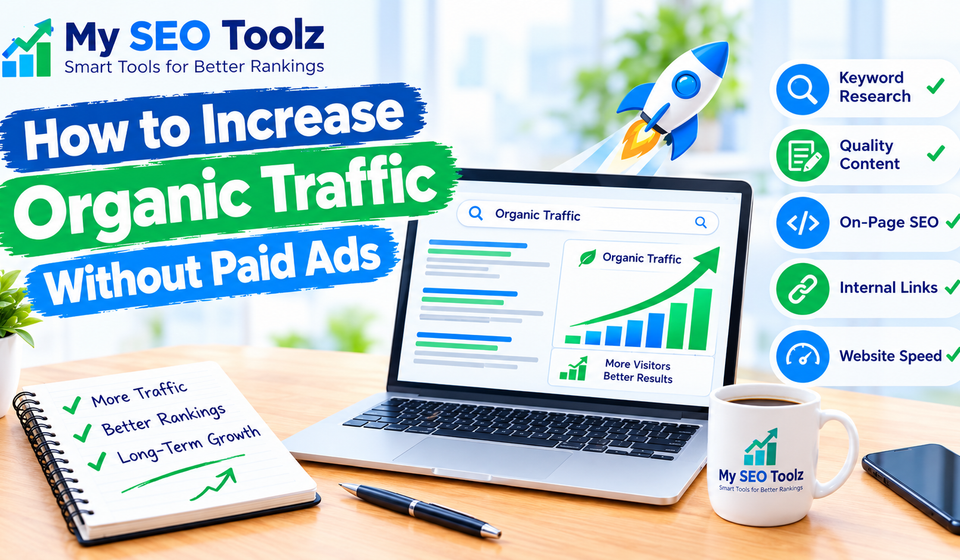

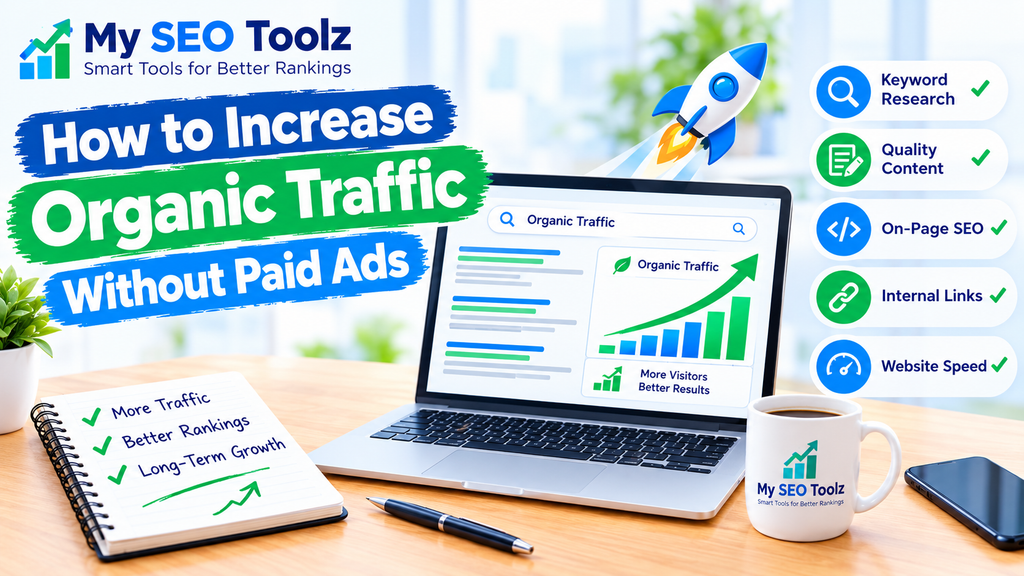
Getting more visitors to your website does not always require a large advertising budget. You can attract people through search engines by creating helpful content, choosing the right keywords, improving your website, and making your pages easier to find.
Organic traffic refers to visitors who reach your website through unpaid search results. For example, when someone searches Google for “how to improve website loading speed” and clicks your article, that visit counts as organic traffic.
For website owners, bloggers, and small businesses, organic traffic can become a valuable source of visitors over time. However, it takes consistent effort, useful content, and patience.
In this guide, you will learn how to increase organic traffic without paid ads using practical SEO strategies that you can start applying to your website today.
What Is Organic Traffic?
Organic traffic is the number of visitors who come to your website through unpaid search engine results. These visitors may discover your blog posts, service pages, product pages, or free online tools while searching for information.
For example, if someone searches for a keyword such as “keyword research for beginners” and clicks your article in Google, that visit is organic traffic.
Organic traffic differs from paid traffic because you do not pay for each click through an advertising campaign. However, SEO still requires time and effort to research keywords, write content, maintain your website, and improve its performance.
1. Choose the Right Keywords
Keyword research is one of the first steps toward increasing organic traffic. It helps you understand what people are searching for and which topics you should cover on your website.
Instead of guessing what your audience wants, look for phrases that match their questions and problems.
For example, a new website may find it difficult to compete for a broad keyword such as “SEO.” More specific searches may offer better opportunities, such as:
- How to improve website loading speed
- How to write SEO-friendly blog posts
- How to find keywords for a new website
- How to optimize images for SEO
These searches give you a clearer idea of what the reader wants to learn.
You can use Google Search suggestions, Google Search Console, and keyword research tools to discover relevant search terms. Pay attention to search intent, competition, and whether the topic is useful to your audience.
If you want to learn more, read our guide to finding low-competition keywords for a new website. Replace this URL if your published article uses a different slug.
2. Publish Helpful, High-Quality Content
Content is one of the main ways to attract organic visitors. When your articles answer real questions clearly, readers have a reason to visit your website and explore more pages.
However, publishing many articles does not automatically increase traffic. The content must be useful, accurate, relevant, and easy to understand.
Before writing a blog post, ask yourself:
- What problem does the reader want to solve?
- What information would help them take the next step?
- Can I explain the topic with practical examples?
- Is my article more useful than a short, general answer?
For example, instead of writing a vague article about SEO, create a practical guide explaining how to optimize a website page, choose a focus keyword, or improve image loading.
Use clear headings, short paragraphs, examples, and lists where they make the information easier to follow. Update older posts when the information becomes outdated.
For more ideas, read our guide to writing SEO-friendly blog posts. Make sure the URL matches your actual published article before adding the link.
3. Optimize Your Pages for Search Engines
On-page SEO helps search engines understand what your content covers. It also makes your pages easier for visitors to scan and understand.
Start with the following improvements:
Write a clear SEO title. Your title should describe the page accurately and include the main keyword naturally when appropriate.
Create a useful meta description. Summarize what the page offers and give searchers a reason to visit. Google may display a different snippet depending on the search.
Use descriptive headings. Organize your article into logical sections so readers can find information quickly.
Use your keyword naturally. Include the main phrase where it fits, such as in the title, introduction, and relevant headings. Avoid repeating it unnecessarily.
Optimize images. Use descriptive filenames, appropriate image sizes, and helpful alternative text for meaningful images.
Make your URLs readable. A short, descriptive URL helps people understand what a page is about.
These improvements can help search engines interpret your content, but they do not guarantee higher rankings.
You can also read our guide to improving on–page SEO. Replace the example link with your real article URL if the slug is different.
4. Use Internal Links to Connect Related Content
Internal linking means linking one page on your website to another page on the same website. It helps readers discover related information and gives search engines paths to find other pages.
For example, if you publish an article about organic traffic, you can link to related guides about keyword research, on-page SEO, image optimization, and website speed.
Use descriptive anchor text that tells readers what they will find after clicking. Instead of writing “click here,” you could write “learn how to improve website loading speed.”
A good internal linking strategy includes:
- Linking to related articles where the link is genuinely useful.
- Connecting new blog posts to relevant older posts.
- Linking to important pages from other relevant pages.
- Checking links regularly to avoid broken URLs.
- Avoiding too many links in a single paragraph.
Do not add links simply to increase their number. Every link should help the reader understand the topic or take a useful next step.
For more details, read our guide to building an effective internal linking strategy. Confirm that this is the correct published URL on your website.
5. Improve Your Website Loading Speed
People expect websites to load quickly. A slow website can make visitors leave before they have a chance to read your content or use your tools.
Website speed is also part of the overall page experience, although rankings depend on many factors beyond speed alone.
Here are some practical ways to improve performance:
- Compress large images before uploading them.
- Use modern image formats where suitable.
- Choose a lightweight WordPress theme.
- Remove plugins that you do not need.
- Enable suitable page caching.
- Use reliable website hosting.
- Consider a content delivery network if it suits your website.
- Test your pages on mobile devices as well as desktop computers.
Google PageSpeed Insights can help you identify performance issues and suggest improvements.
If your website runs on WordPress, start with the largest issues rather than installing several speed plugins at once. Too many overlapping plugins may create conflicts or unnecessary work.
Read our guide to improving website loading speed for more practical steps. Confirm that this URL matches your published post.
6. Make Your Website Mobile-Friendly
Many people browse the internet using smartphones. If your website is difficult to use on a small screen, visitors may struggle to read articles, navigate menus, or use your online tools.
Check that your website:
- Adjusts properly to different screen sizes.
- Uses readable text without requiring zooming.
- Has buttons and links that are easy to tap.
- Avoids horizontal scrolling.
- Displays images correctly on mobile devices.
- Loads important content without unnecessary delays.
Test your most important pages on an actual phone. Pay special attention to your homepage, blog posts, contact page, and online tools.
A mobile-friendly website makes it easier for people to u